
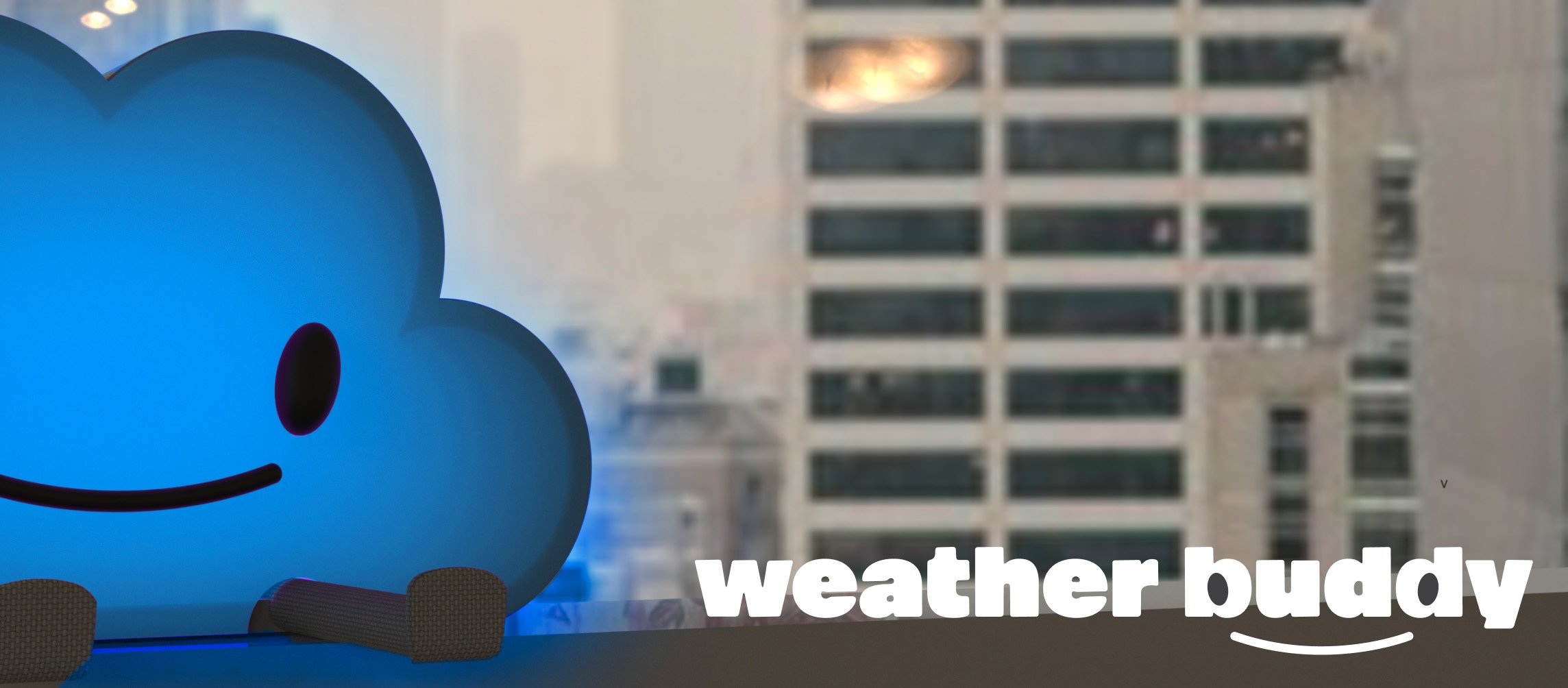
project goal.
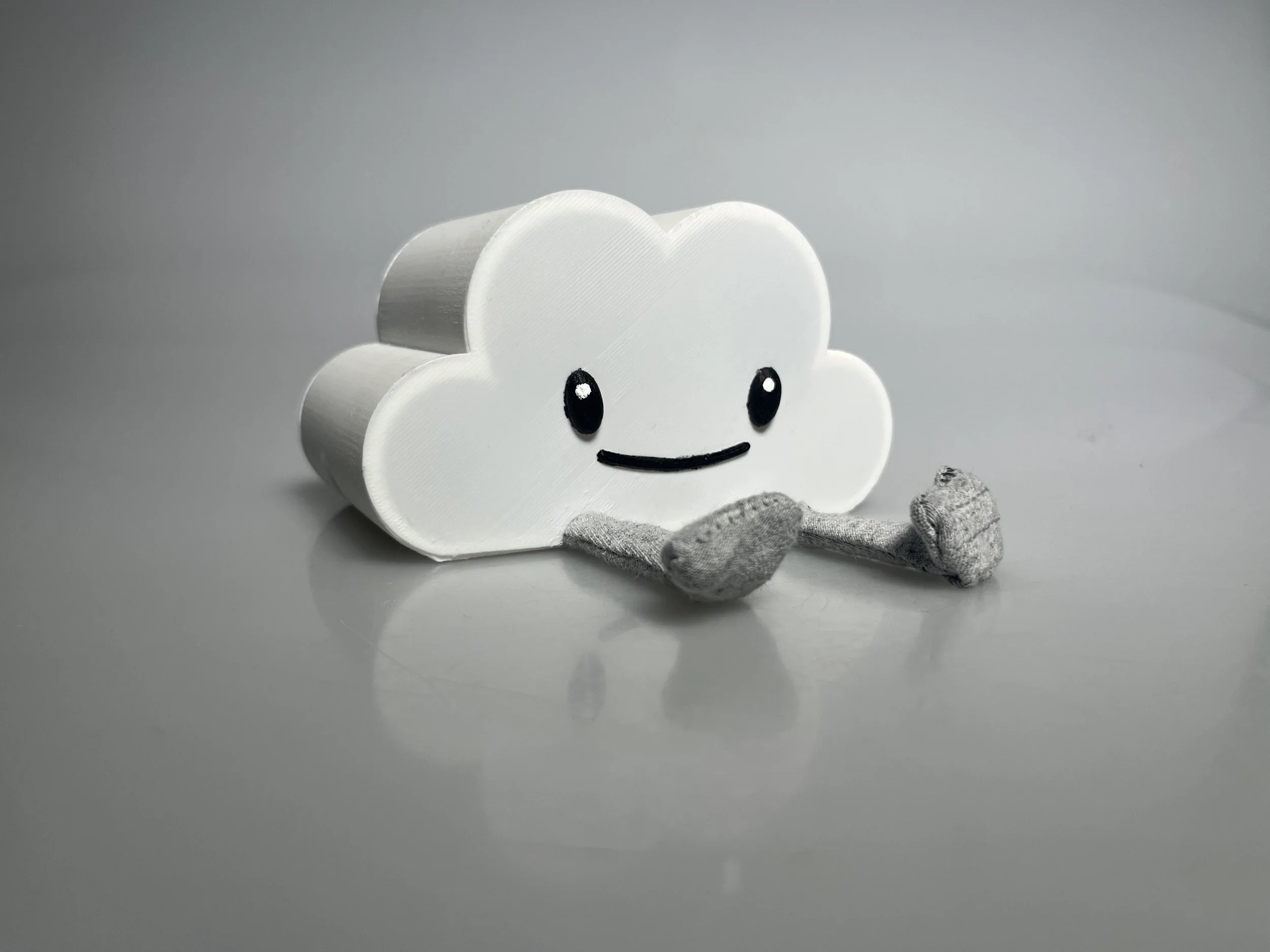
weather buddy is designed as an at-home weather station for young children who are still learning to dress themselves and have not yet learned to read. its display changes color based on the outdoor temperature, providing a simple visual cue to help children understand how to dress appropriately for the day.
fall studio 2024
duration: five weeks
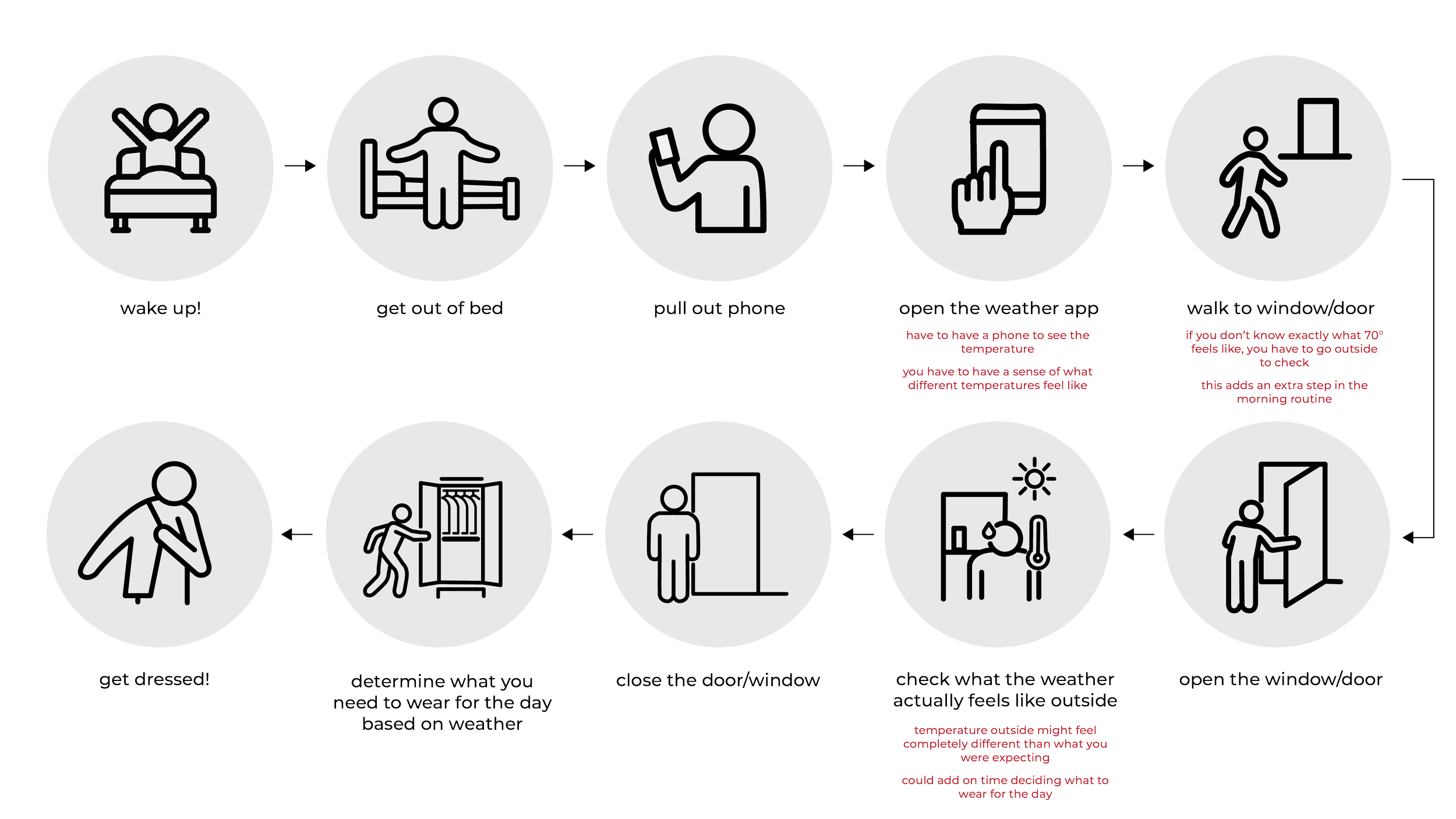
checking the weather.
I began this project by creating a user journey highlighting the steps it takes to check the weather outside. I also made sure to note any pain points that the user struggles with during this process.
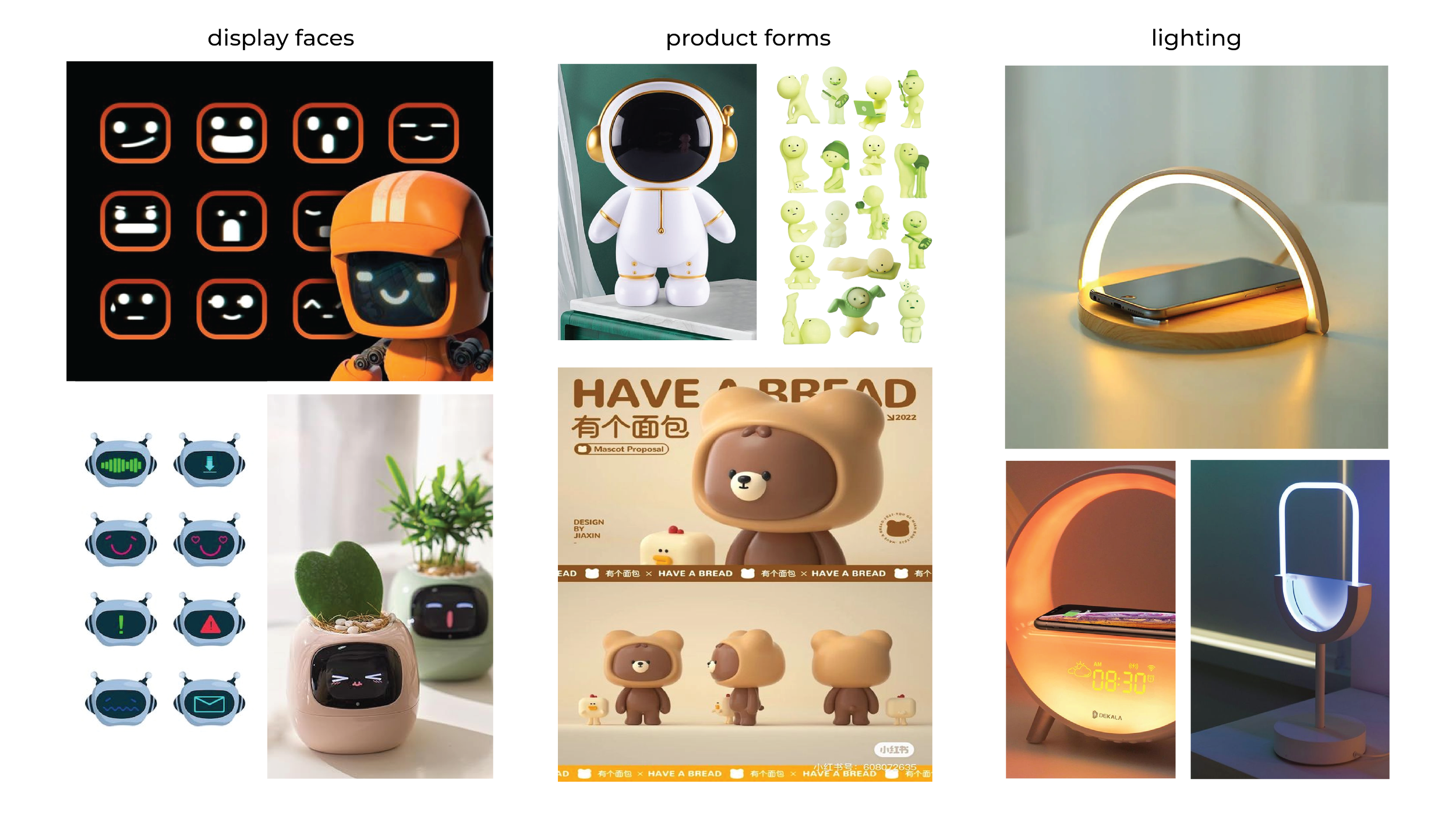
exploring aesthetic directions.
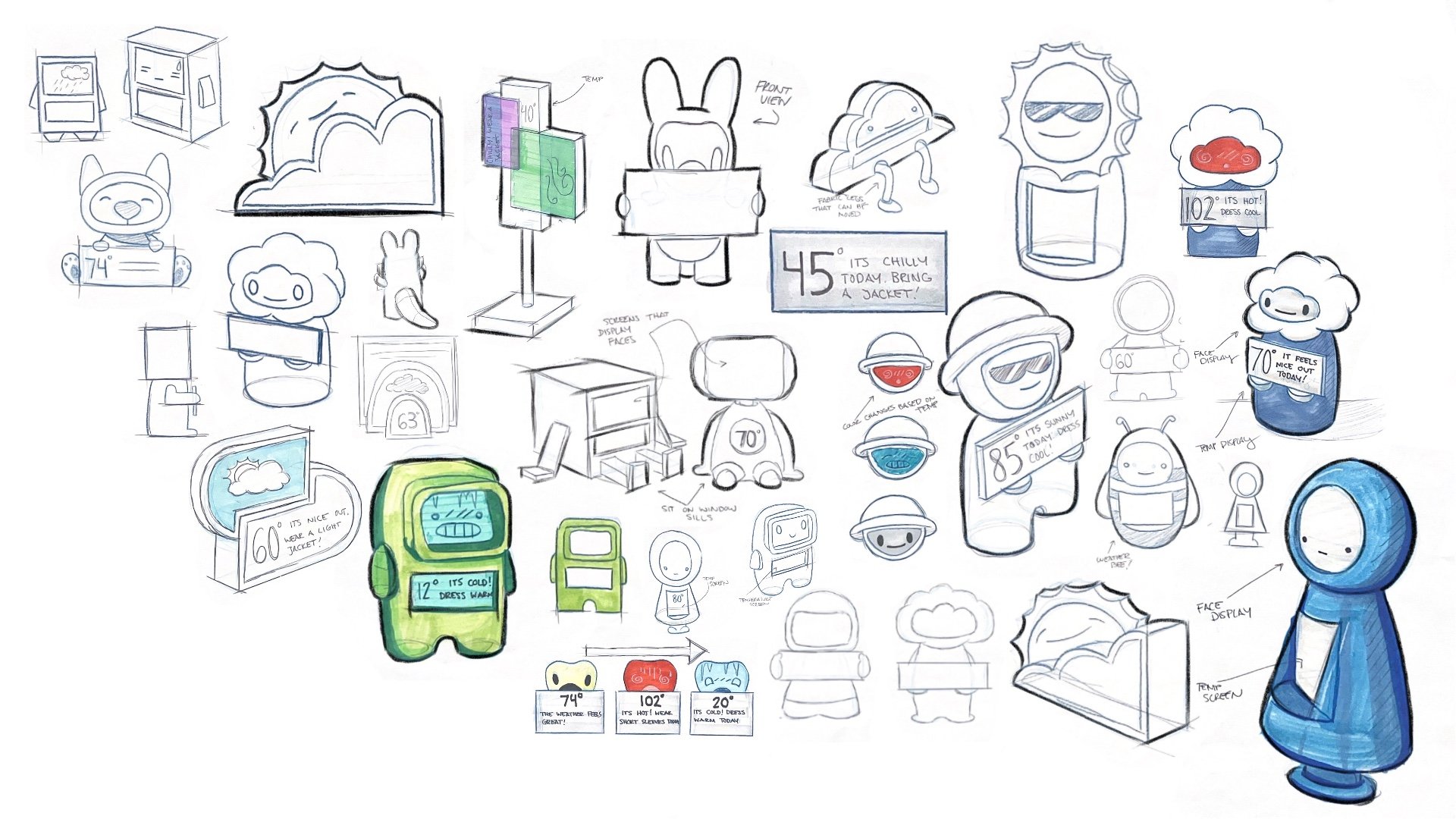
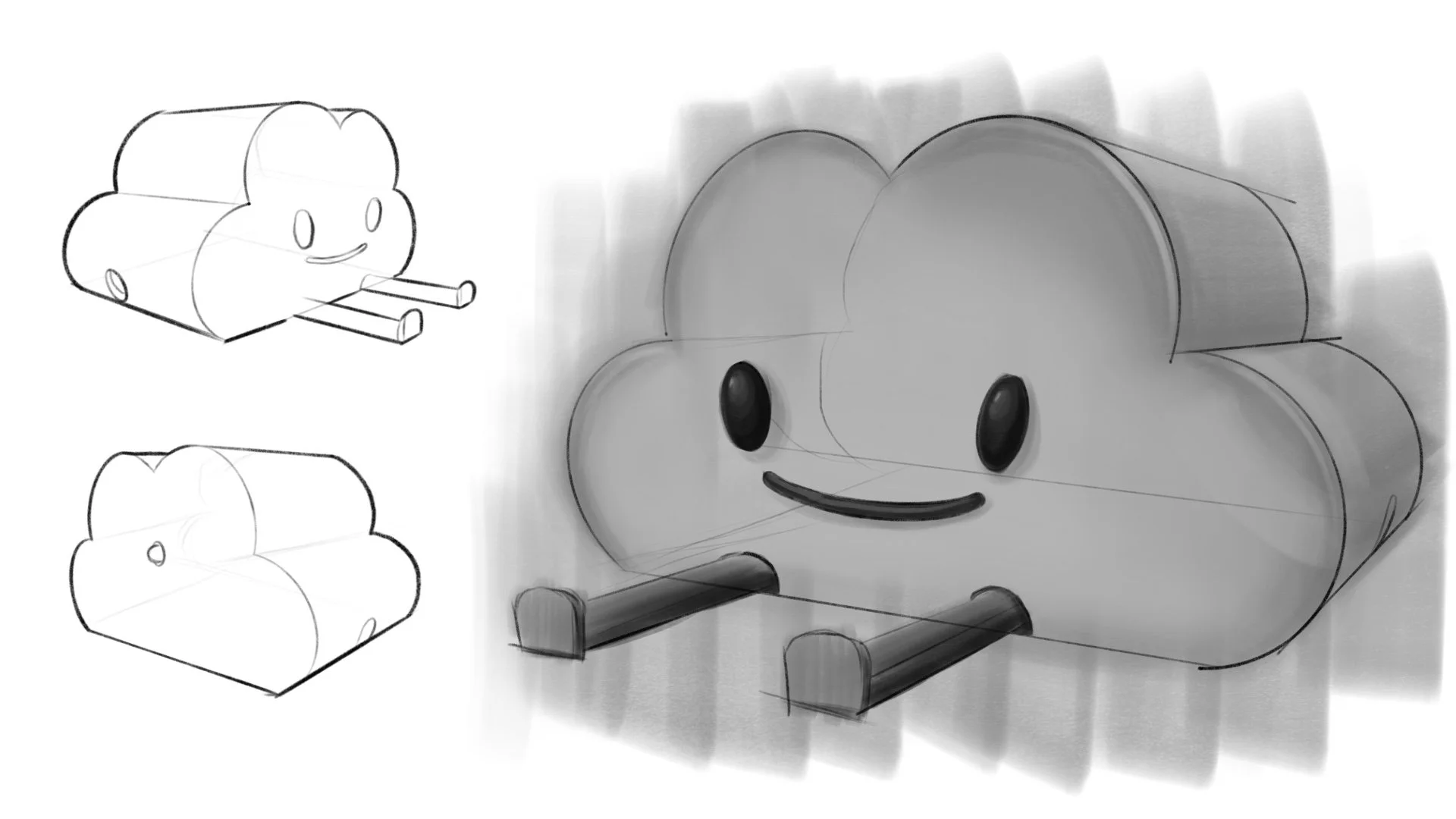
I started by creating mood boards to explore the different design aesthetics I had in mind, carefully analyzing the forms and interfaces that the product might feature. once the boards were created, I began to sketch the concepts.
final concept direction.
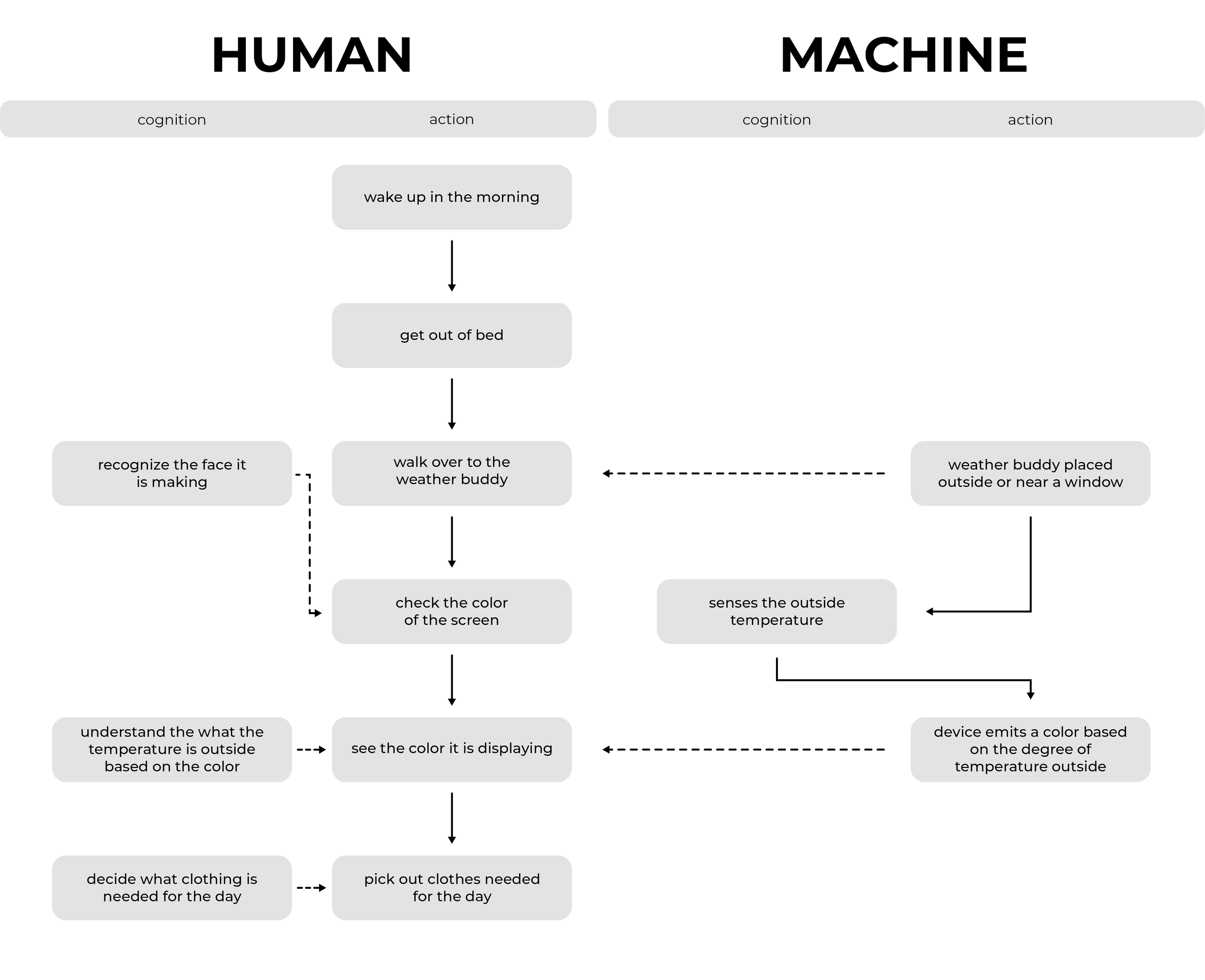
HMI flow chart.
the human machine interaction chart was created to help me visualize the current manual steps it takes for the average child to check the weather, and how those steps can be minimized by the weather buddy.
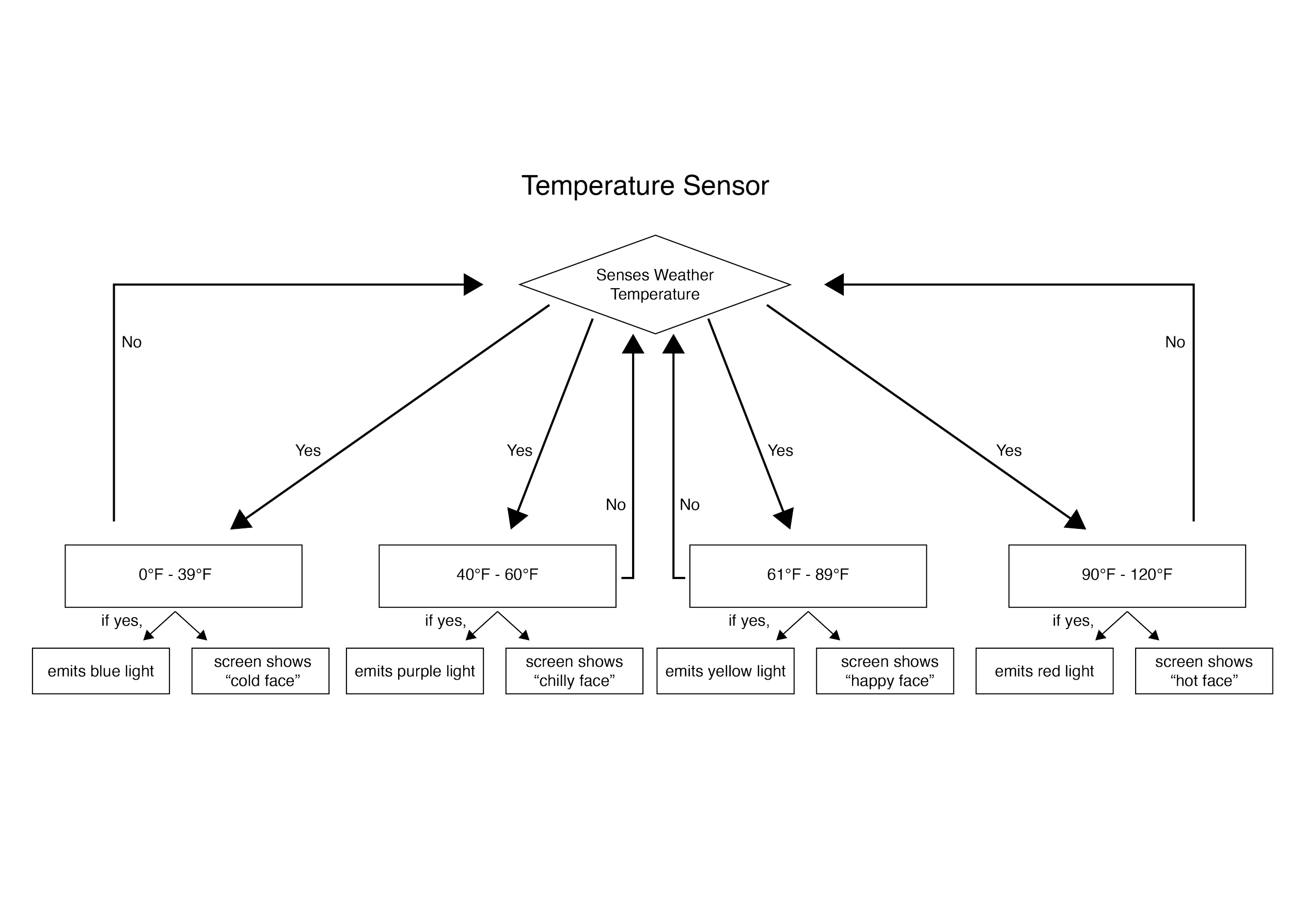
how it works.
I created a ‘human machine interaction chart’ to map out what I wanted my prototype to accomplish. once I began to code in arduino, I used this chart as a reference.
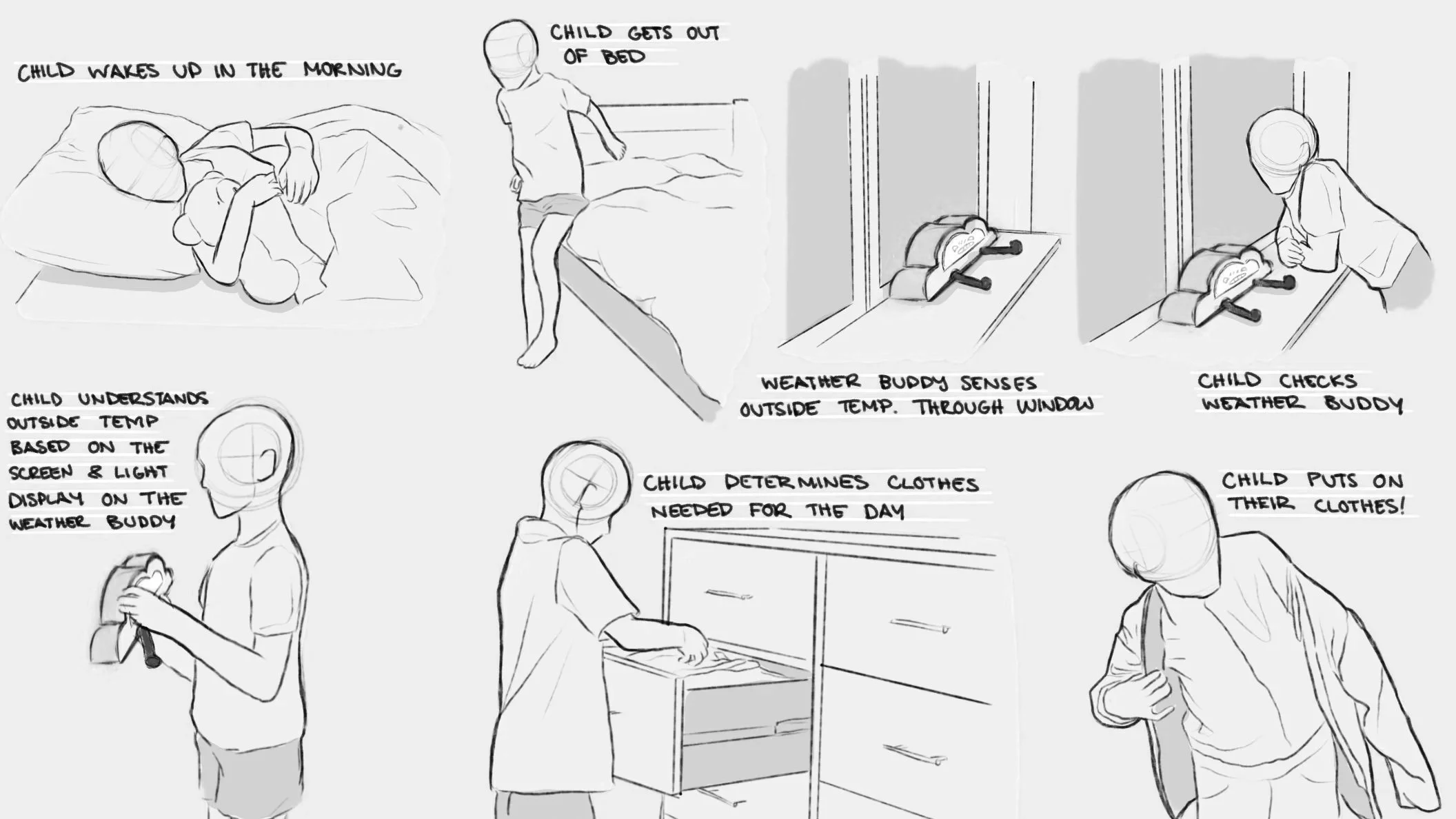
storyboarding.
not only did I need to understand how my product will work, but I also needed to know the context in which it would work. below, I created a storyboard to help provide visual aid to my product’s story.
programming.
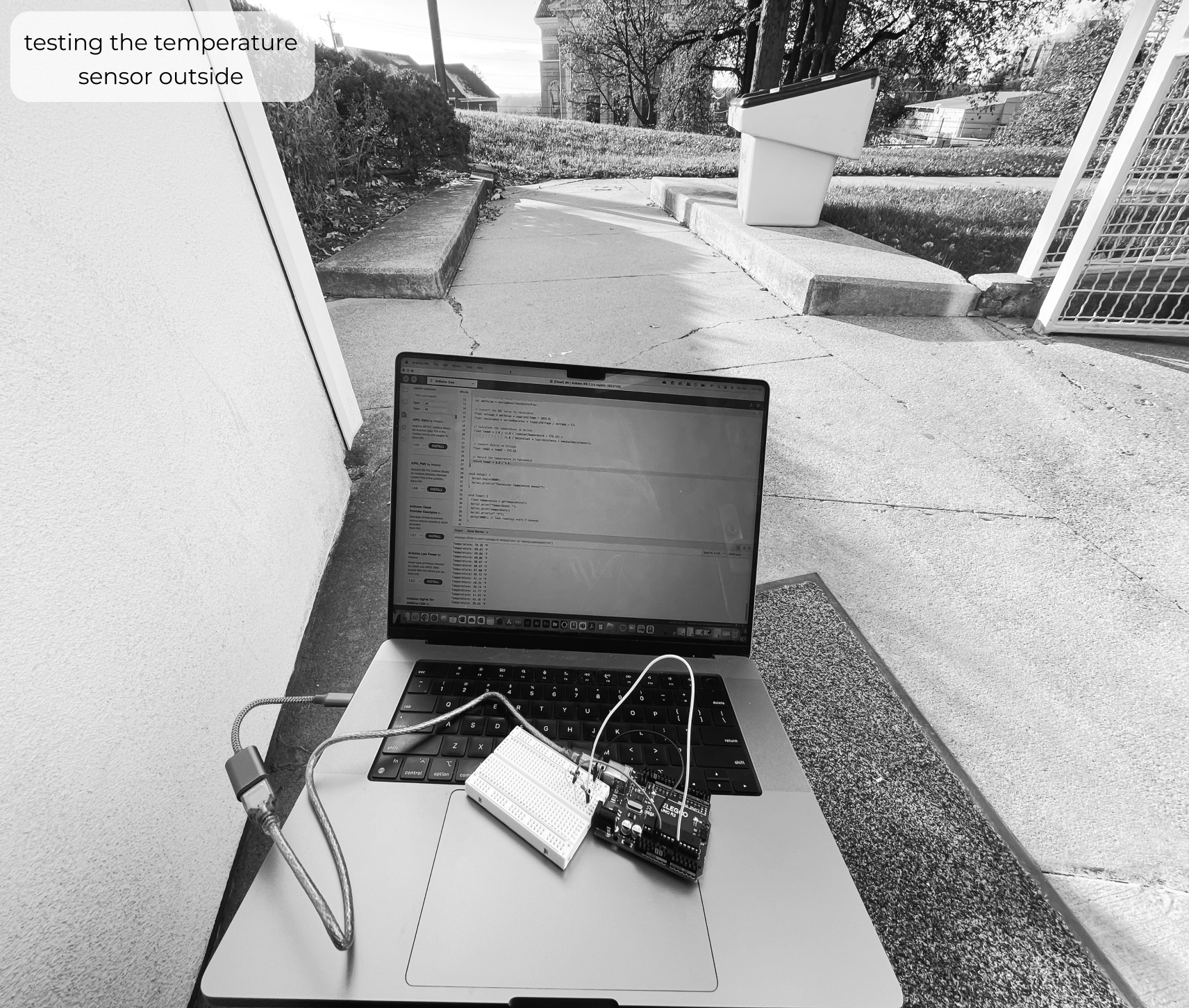
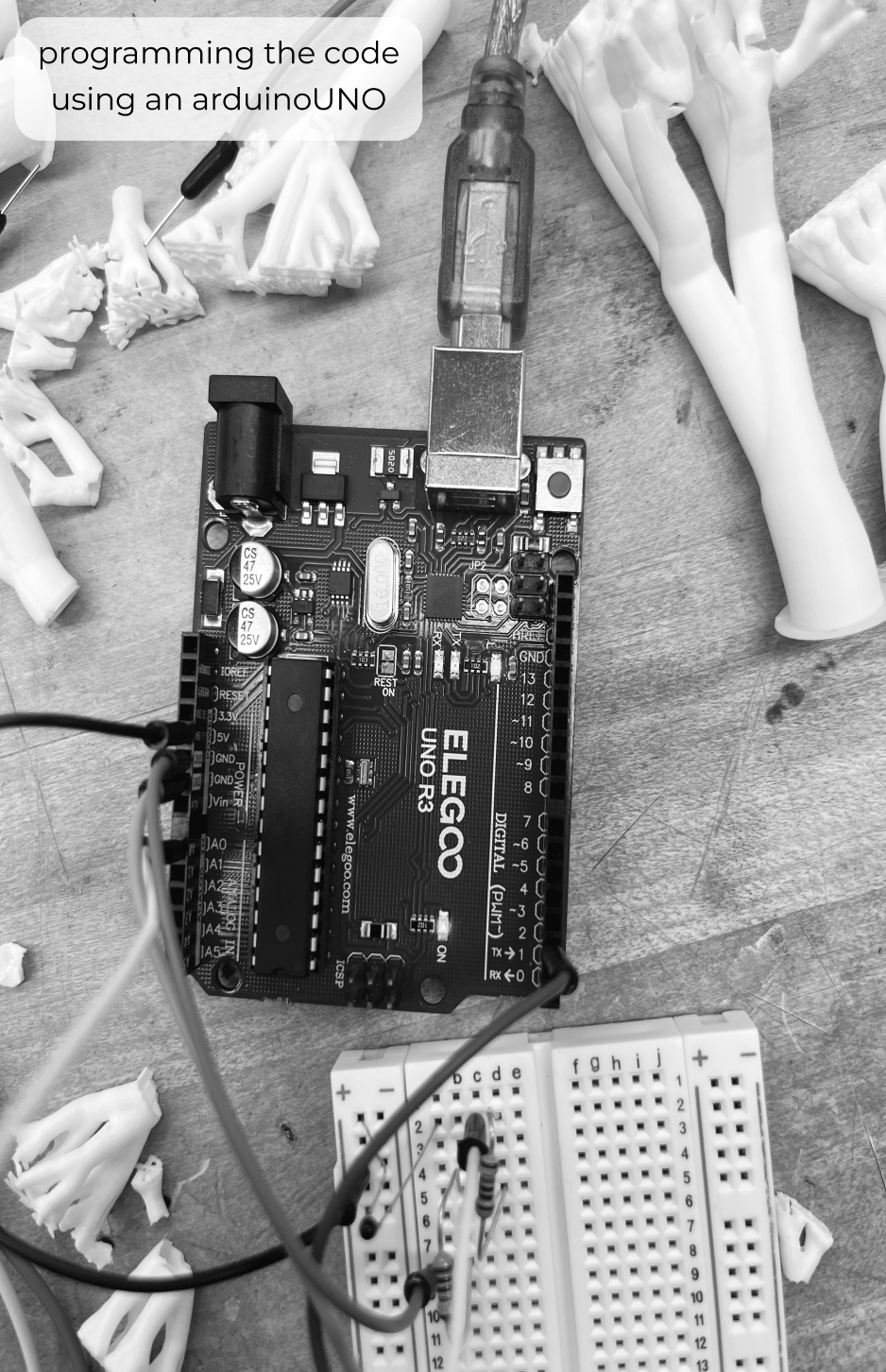
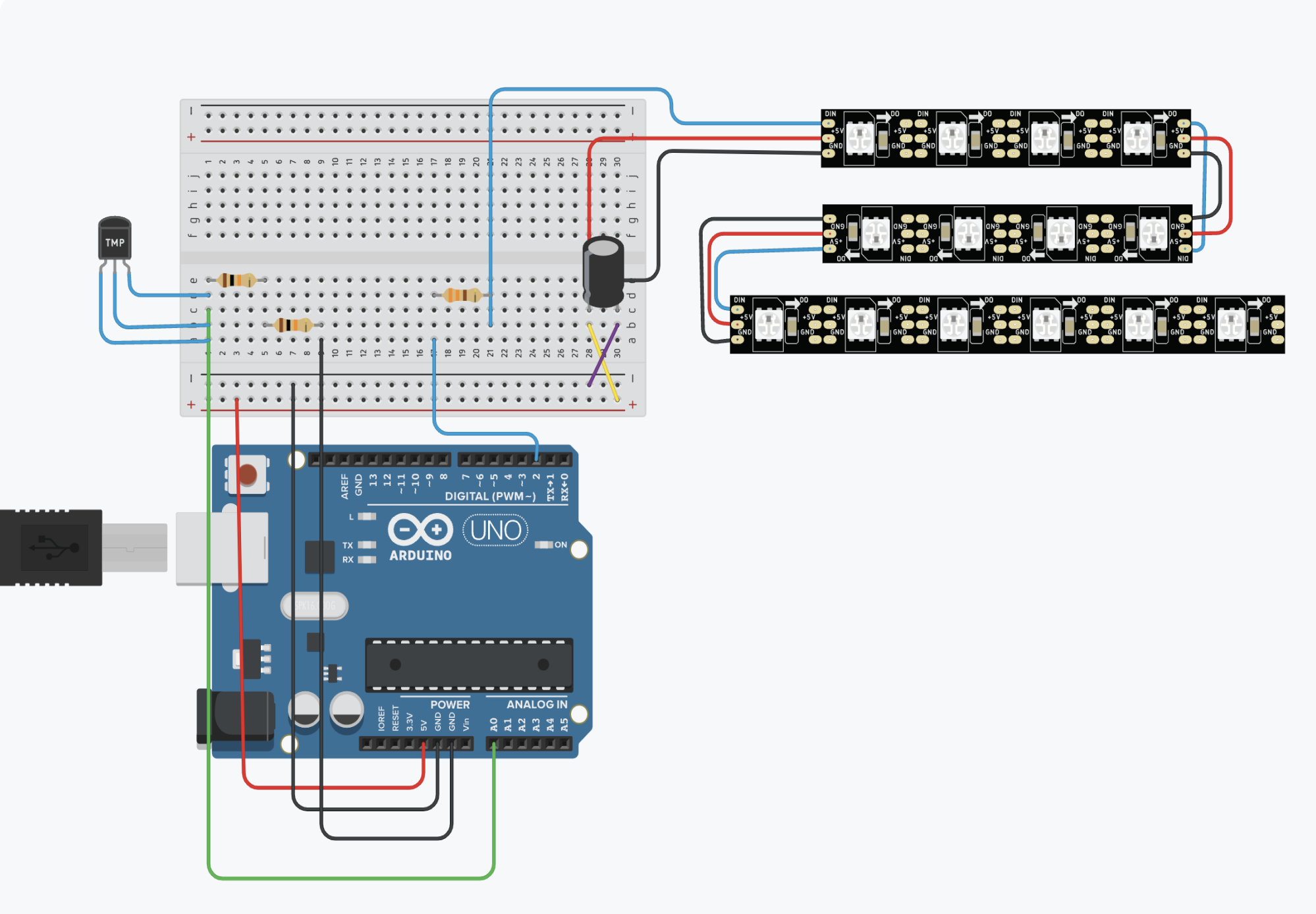
once I outlined the storyboard and created the human interaction chart, I was ready to begin programming my prototype. I started on the temperature sensor by testing numerous different codes. once I successfully got the temperature sensor to work, I went back to start coding the LEDS.

final prototype.
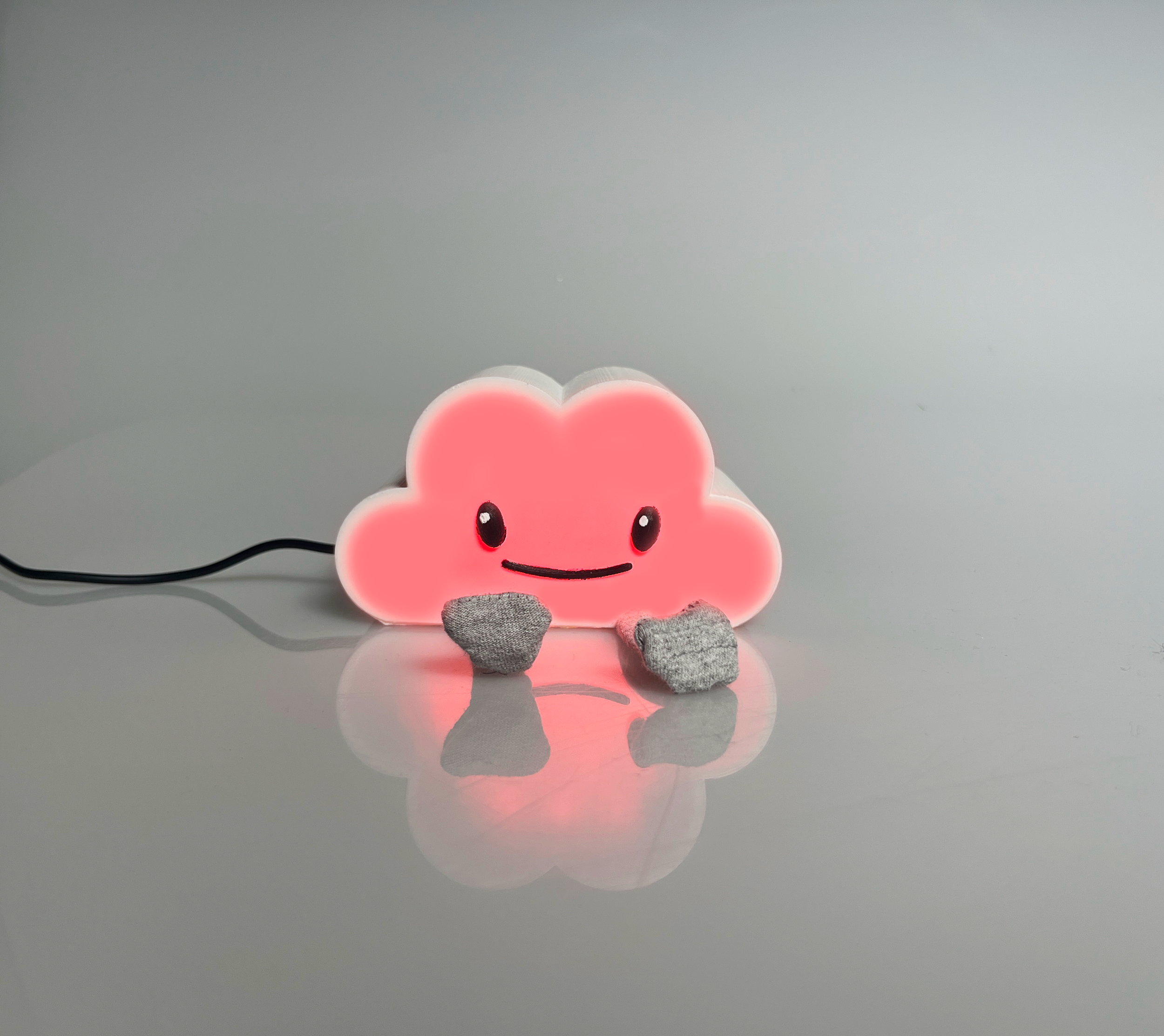
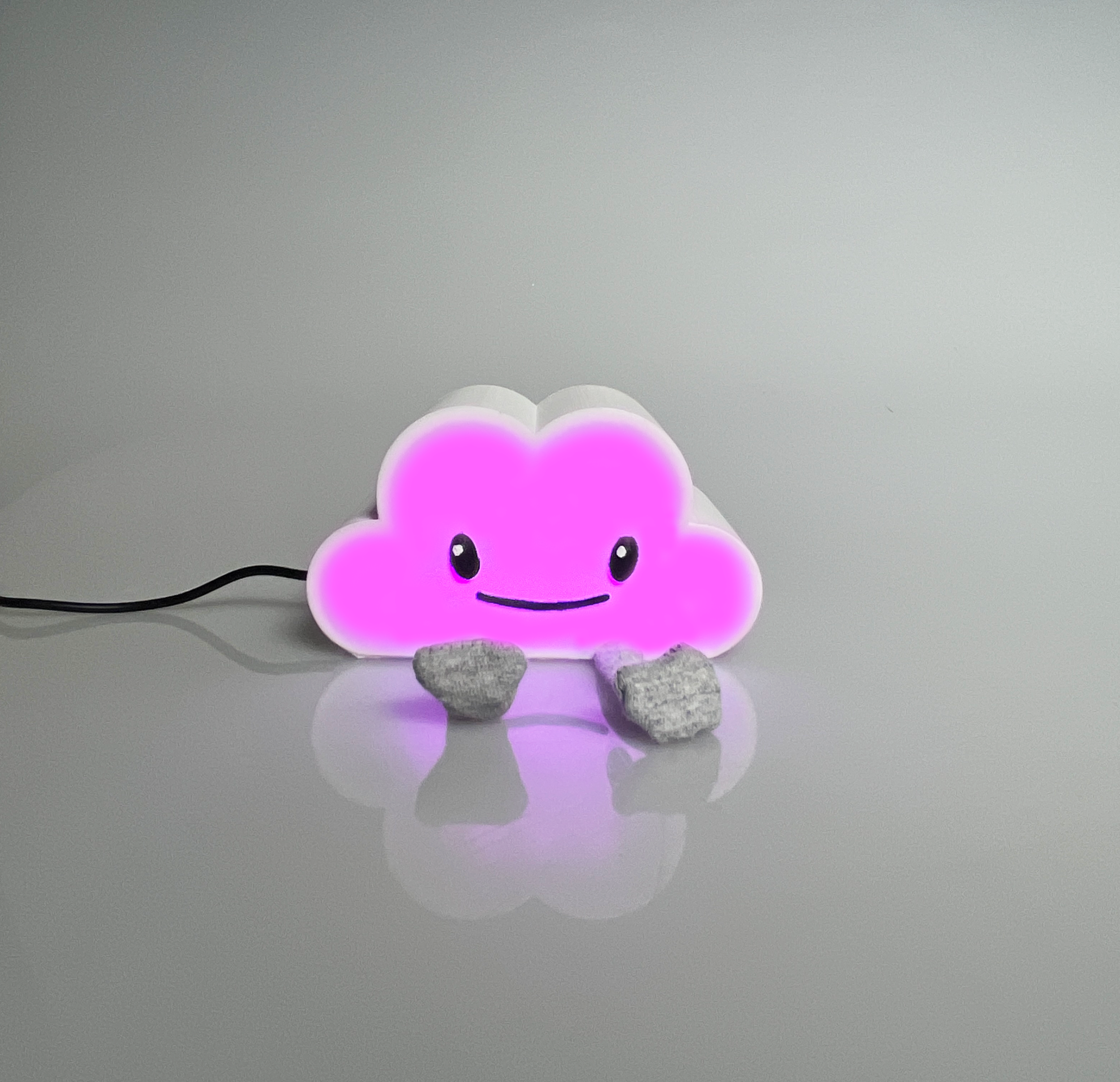

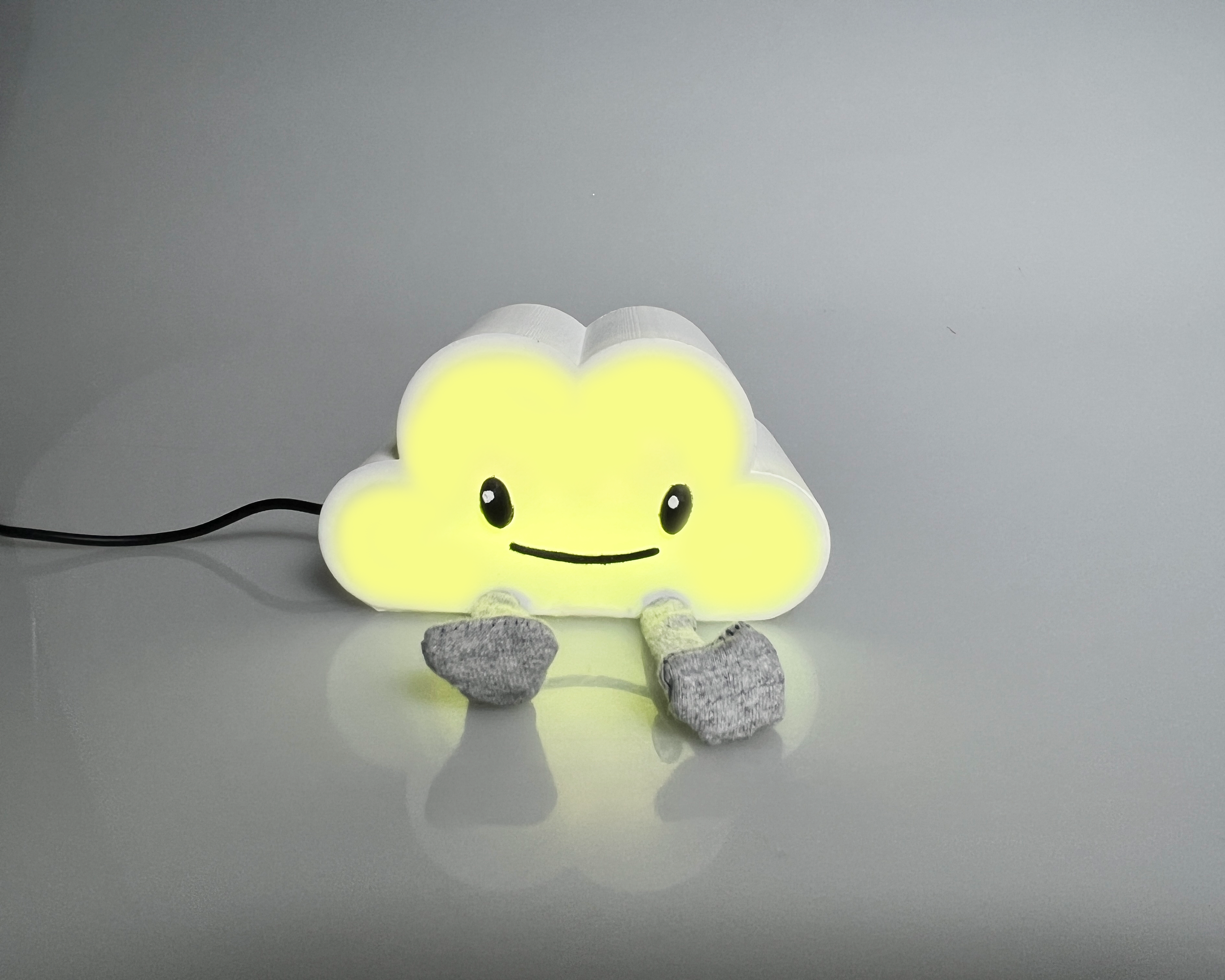
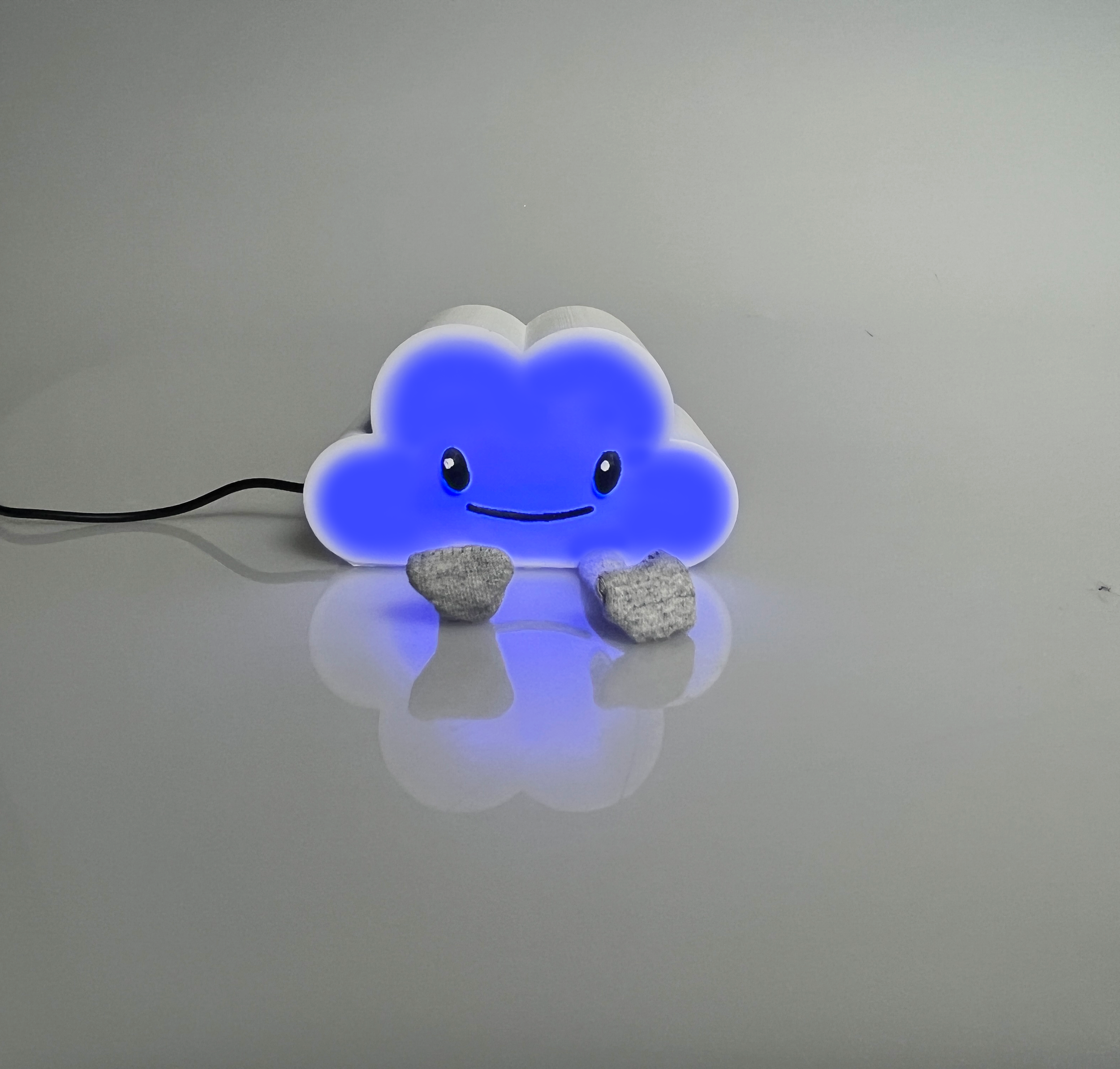
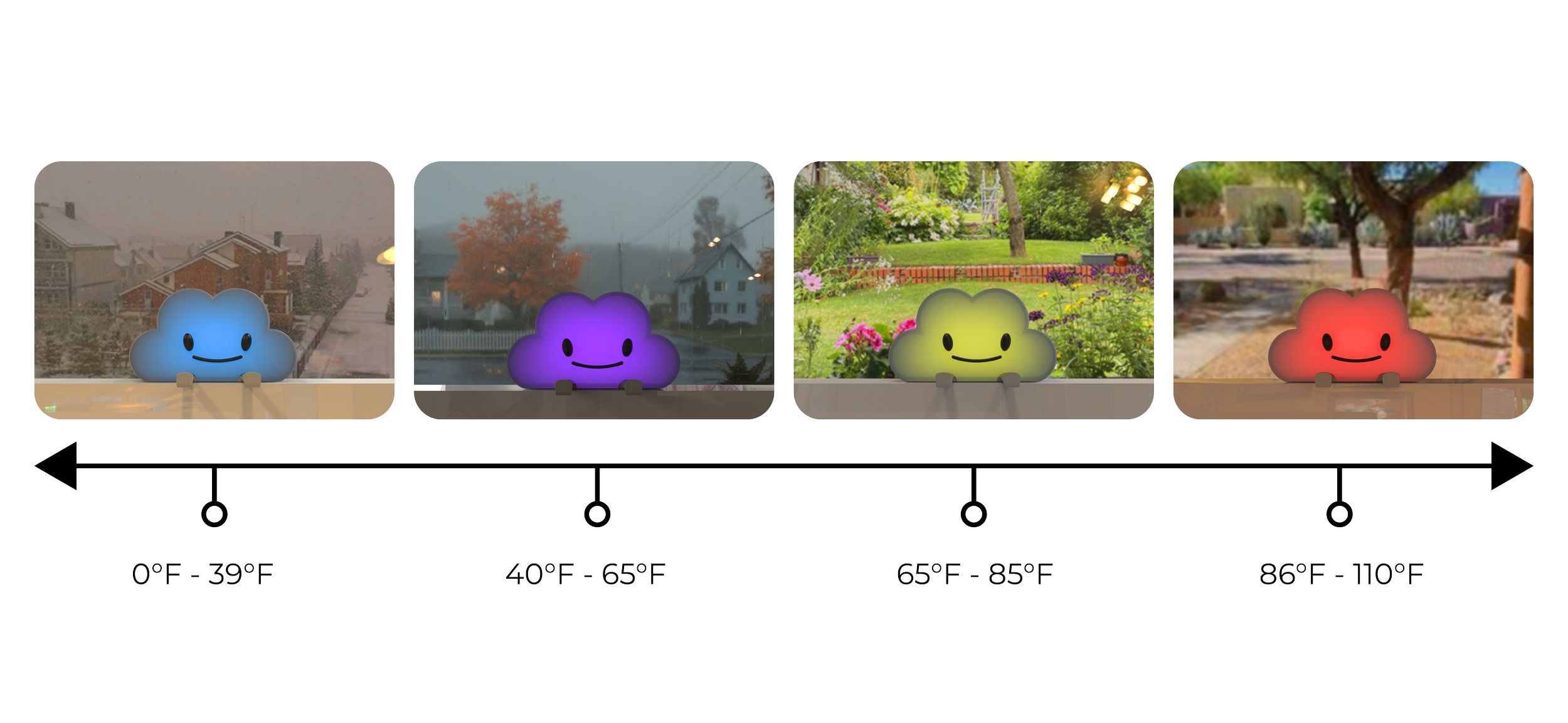
color based on temperature.
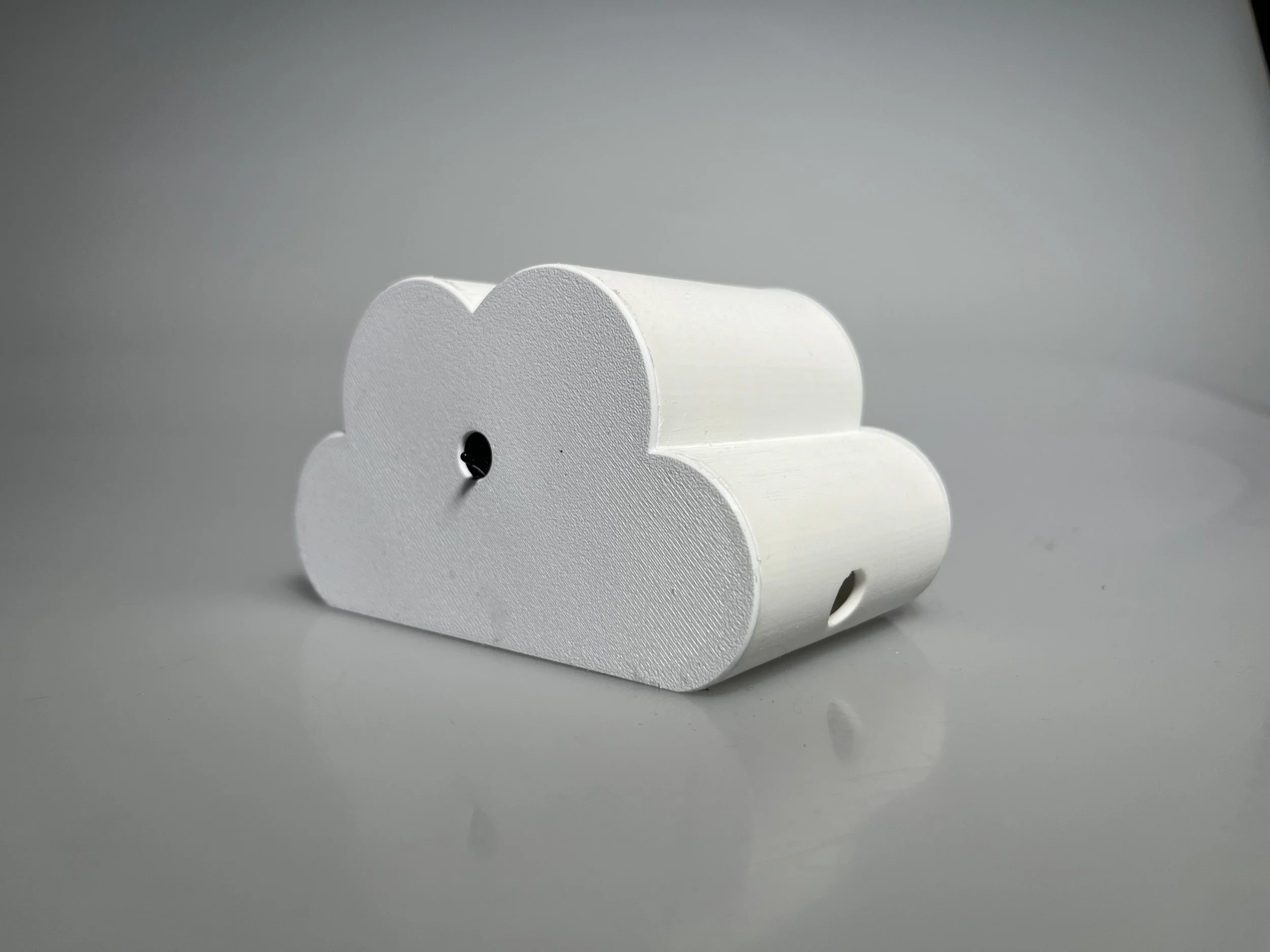
weather buddy changes color based on the weather outside. each color represents the temperature that the user should dress accordingly to.
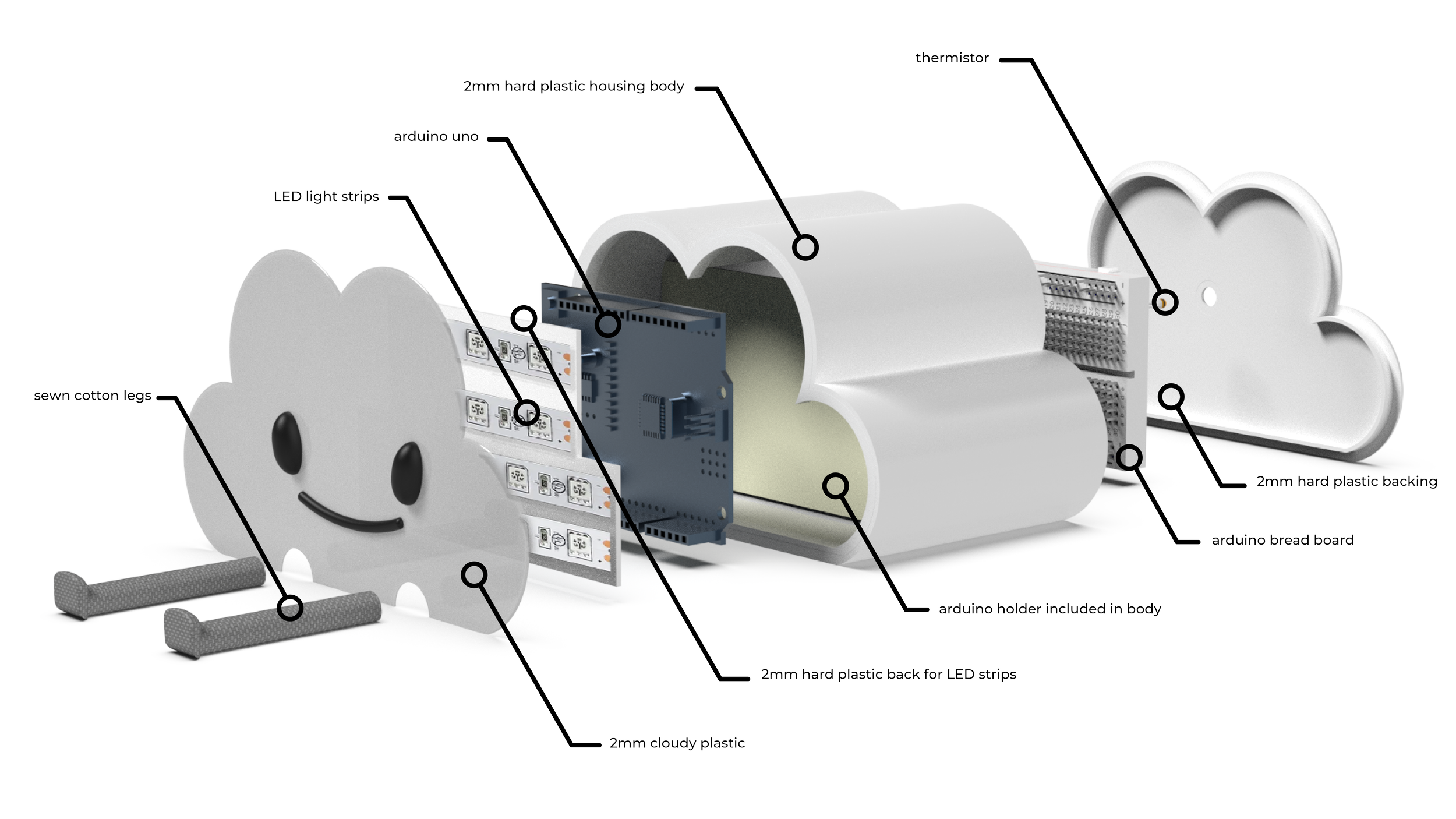
product architecture.
final CAD renders.
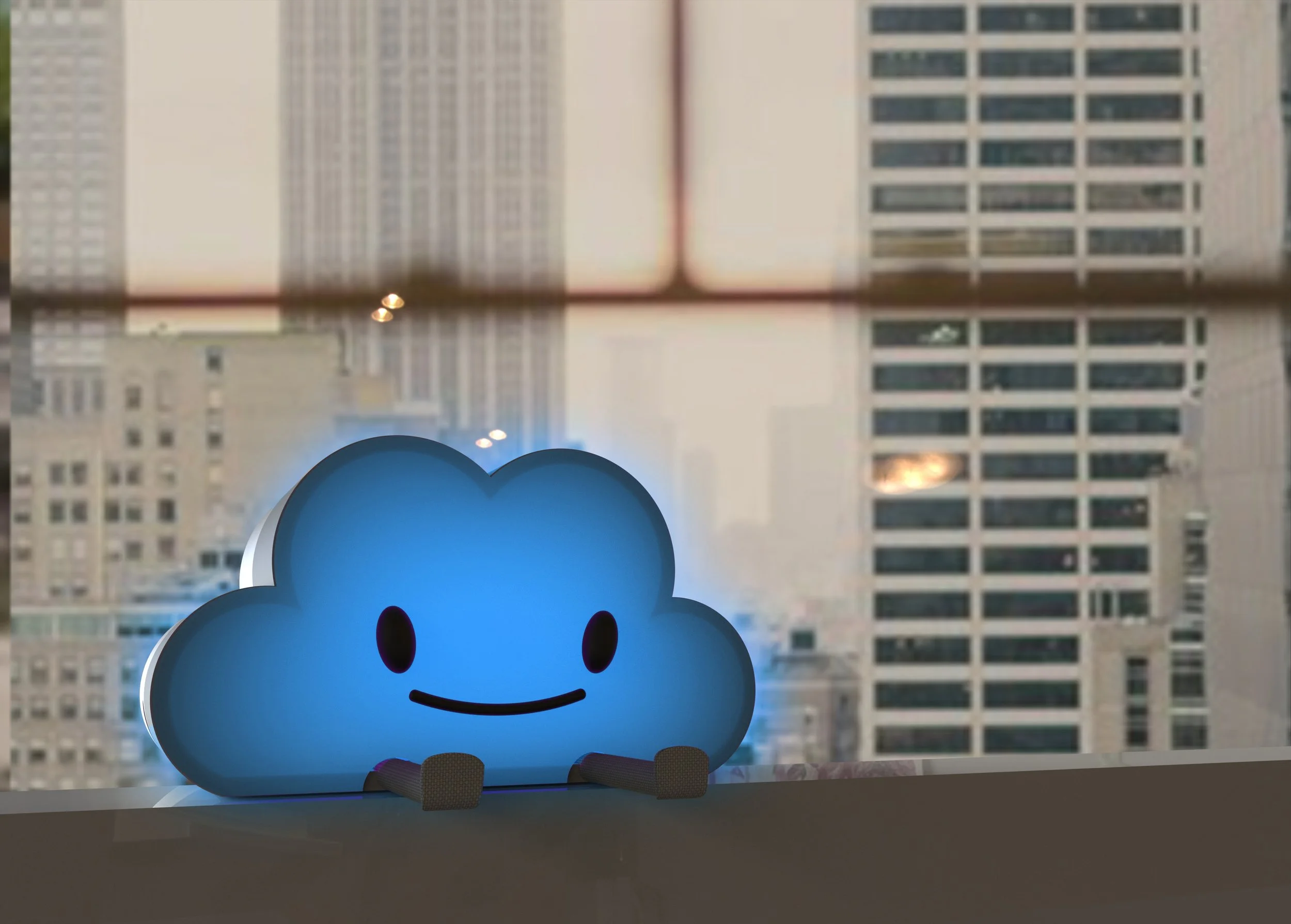
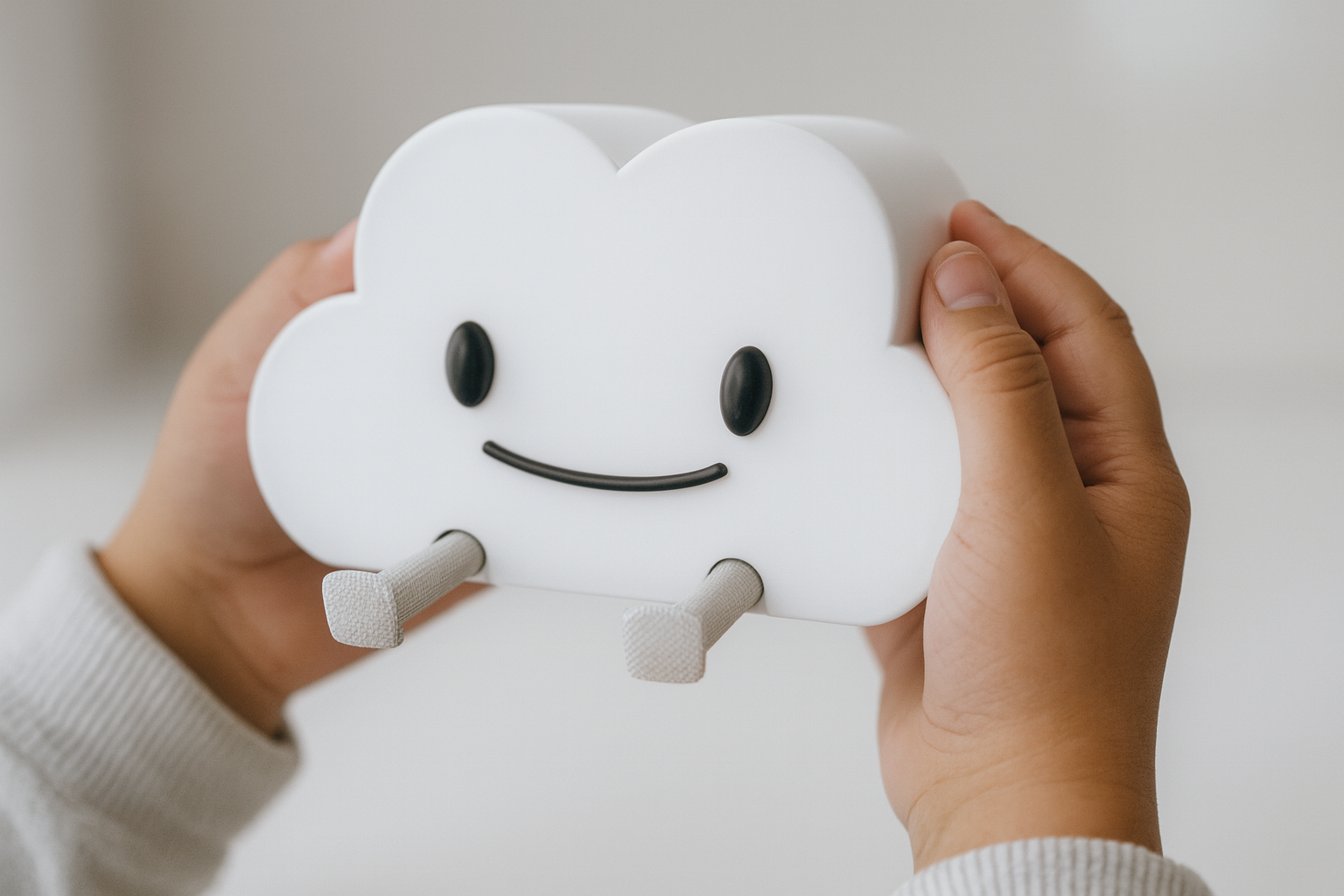
hands generated through ChatGPT